
Have you ever opened Canva and felt like a designer even without knowing how to design? That’s the magic Canva has always given us. But now, they’ve taken that magic to another level. Canva just launched something incredible,Visual Suite 2.0, and it’s filled with new AI features that are already shaking up how we create things online.
Let’s break this down simply, like a story. Imagine you’re a student who needs to create a school project, a birthday card for your friend, or even a quick poster for a school club. Before, you’d spend hours looking for ideas or dragging and dropping shapes. But now, Canva has given you superpowers. Yes, superpowers, thanks to Visual Suite 2.0.
A New Chapter for Canva
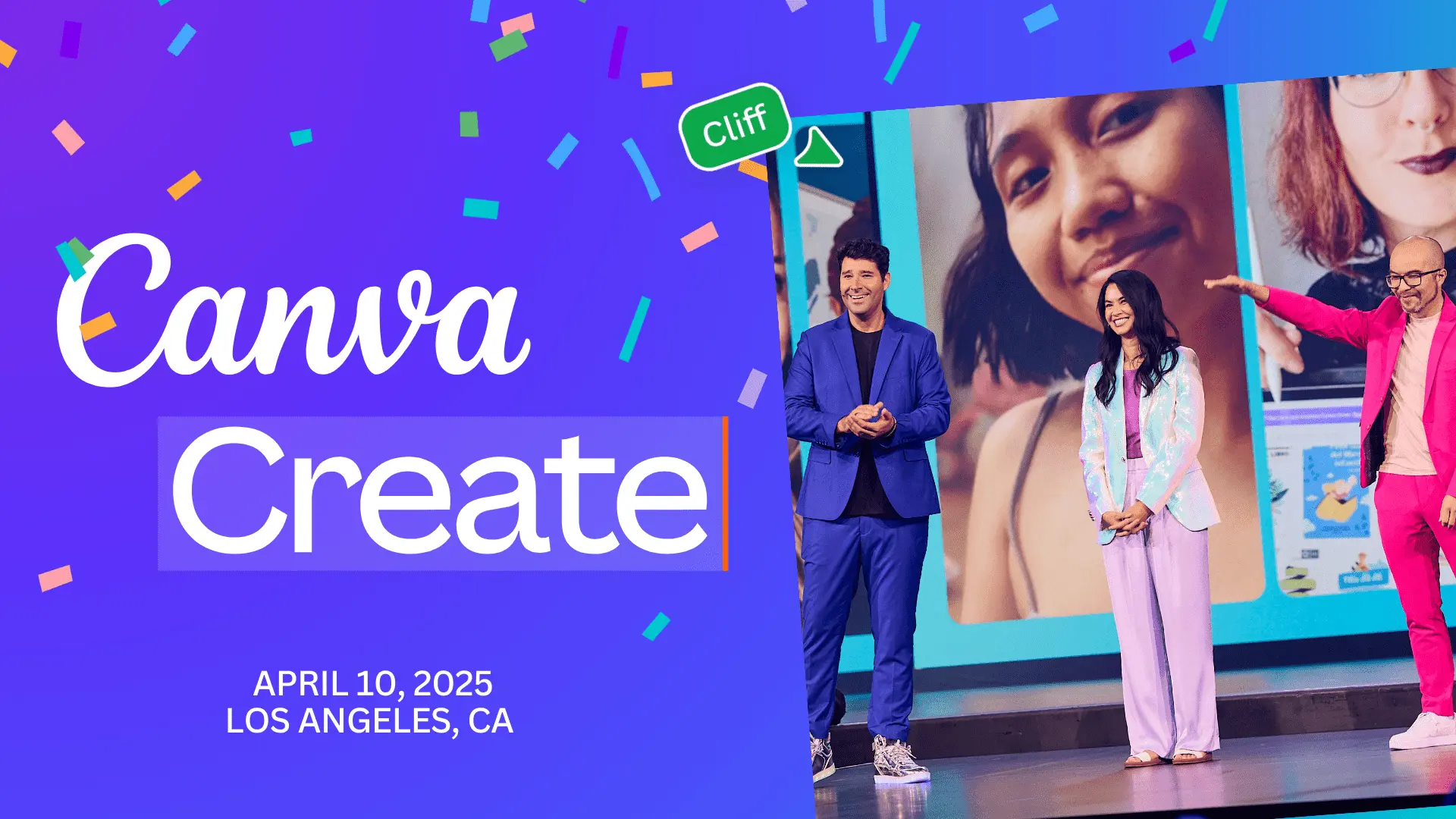
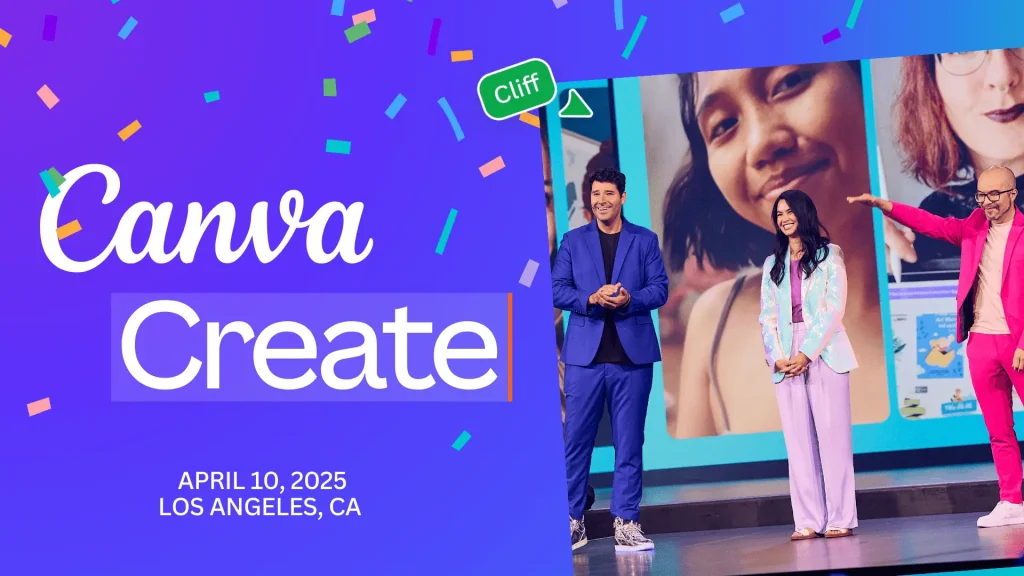
Canva announced this massive update during their recent event, and it’s their biggest product launch yet. It includes AI-powered tools that help users like you and me design faster and smarter. The whole package is called Visual Suite 2.0, and it’s made for everyone: students, small businesses, teachers, marketers, and even big companies.
So what’s inside this magic box? Let’s open it together.
1. Magic Design
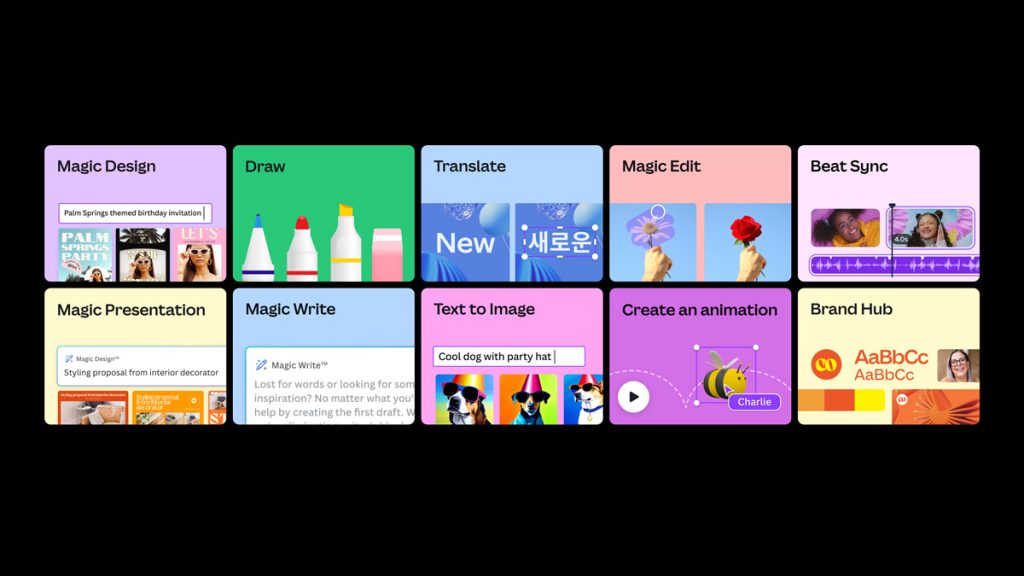
This tool lets you type in what you want, and Canva creates a design instantly. Let’s say you need a science fair poster. Just type “Science Fair Poster with volcano illustration,” and boom Canva gives you several finished posters to pick from. You can customize them easily, but most of the work is already done.
2. Magic Write
If writing captions or posts takes you forever, this tool will be your new best friend. Magic Write helps you write text quickly using AI. Whether you need a product description or a blog intro, just type a few keywords, and it fills in the rest.
3. Translate and Localize
Now, you can turn your designs into different languages with just one click. Canva’s new translate tool uses AI to convert your poster into French, Spanish, Swahili, you name it. It’s perfect for global classrooms or international businesses.
4. Magic Switch
This one is like a shape-shifter. Made a great Instagram post? Magic Switch turns it into a LinkedIn post or presentation without starting over. It resizes and reforms your designs for different platforms in seconds. This is going to be a game changer when dealing with designs that need to conform to different platform sizes.
5. Magic Edit and Magic Eraser
Ever wanted to remove something from a photo or change it into something else? Canva lets you do that now. Magic Edit lets you highlight a part of your photo and change it. Maybe turn a pen into a pencil or a blank wall into a colorful background. Magic Eraser will now remove unwanted things from your image, like that random person walking in the background of your selfie.
6. New Canva Sheets
Yes, you read that right. Canva now has its own spreadsheet tool called Canva Sheets. It’s like Google Sheets or Excel, but more beautiful. You can make your data look cool with just a few clicks. Perfect for school presentations or business charts. Don’t present boring sheets when canva is here!
7. Brand Hub
For those who manage brands, Canva now offers a space to keep all brand assets in one place, logos, fonts, colors, and templates. It saves time and keeps everything consistent. You see that struggle of having to always upload your logo on photoshop, or go copy your color codes all over again to a shape, that is story of the past now. Canva got you covered.
Why Visual Suite 2.0 if a Game changer
What’s amazing about Visual Suite 2.0 is that it doesn’t just help you design faster, it helps you design better. Whether you’re preparing for a class project or launching your own small business online, Canva’s tools are here to remove the hard parts.
Instead of wasting hours aligning shapes and picking fonts, you can focus on your polishing your ideas. That’s what technology should do, make life easier and let your creativity shine.
Canva for All Ages
Canva made sure these tools aren’t just for professionals. If you’re a high school student, this update is for you too. Think about it:
- You can write faster with Magic Write.
- Design your project without stress using Magic Design.
- Remove the background from your photo using Magic Eraser.
- Translate your class poster into five languages.
It’s like having a design assistant with you all the time.
Will you be using Visual Suite 2.0?
Visual Suite 2.0 is not just a tech update. It’s a doorway. It opens up new ways of thinking, creating, and expressing. Whether you want to make a card, a resume, a business pitch, or a school report, Canva just made it ten times easier and faster.
The future of creativity is here, and it’s incredibly exciting. Jump in, explore the features, and let your imagination run wild with the new Canva features.
Related
Canva is here to help you do high quality designs but the questions is, do you know why your business needs hight quality designs? Read here.