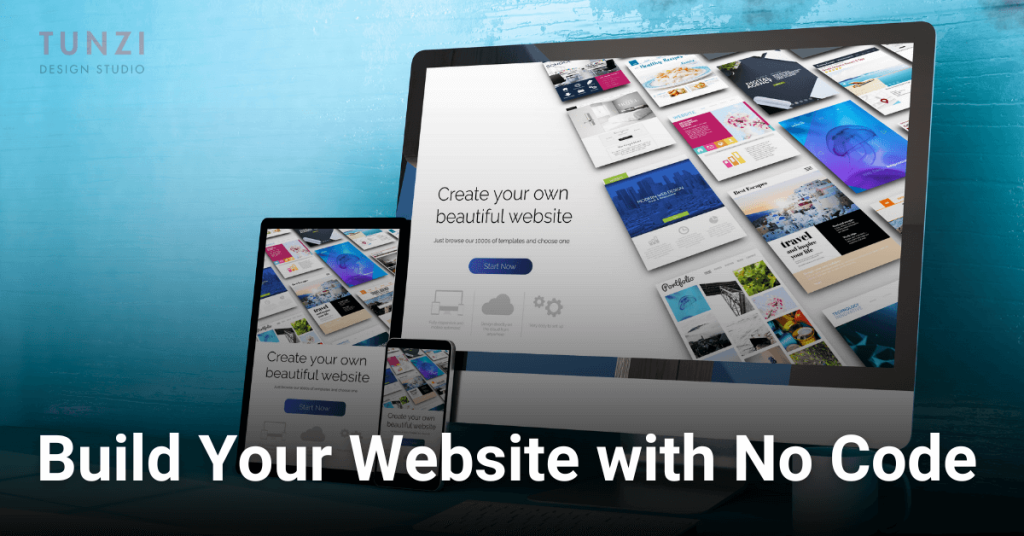

Creating a professional website no longer requires knowing complex programming languages or hiring expensive developers. Thanks to user-friendly tools and platforms, anyone can build a visually appealing and functional website without any coding experience. Whether you’re a small business owner, freelancer, or hobbyist, this guide will walk you through the process of designing a great website from scratch with zero coding experience.
1. Start With a Clear Goal
Before diving into website creation, define the purpose of your website. Are you creating an online store, a portfolio, or a blog? Your goal will shape your design, structure, and content. A clear focus ensures that your website meets your needs and connects with your audience.
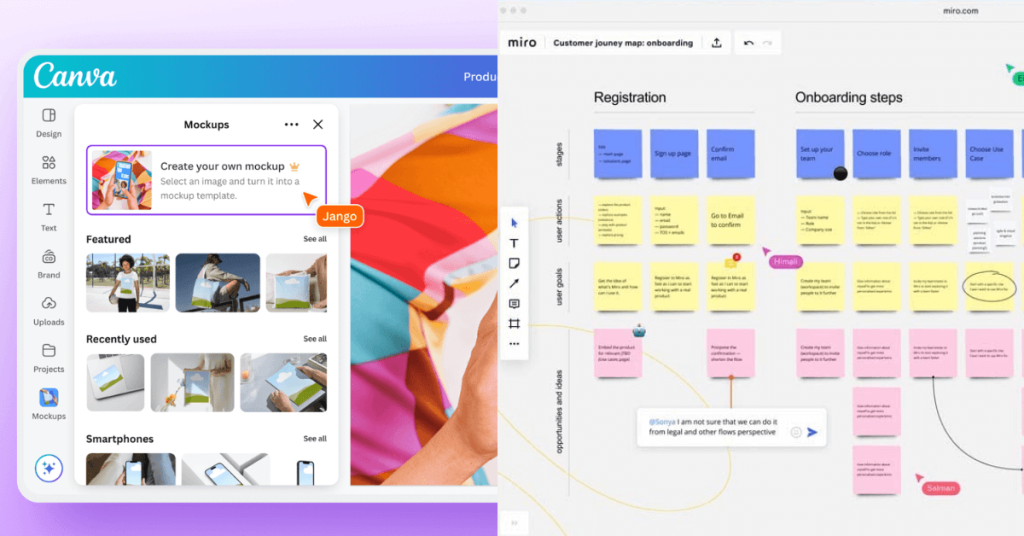
Use tools like Canva or Miro to map out your website structure and layout visually before building.
2. Choose the Right Website Builder
Website builders have made it easy to design and launch a site without any coding. Here are a few popular options to consider:
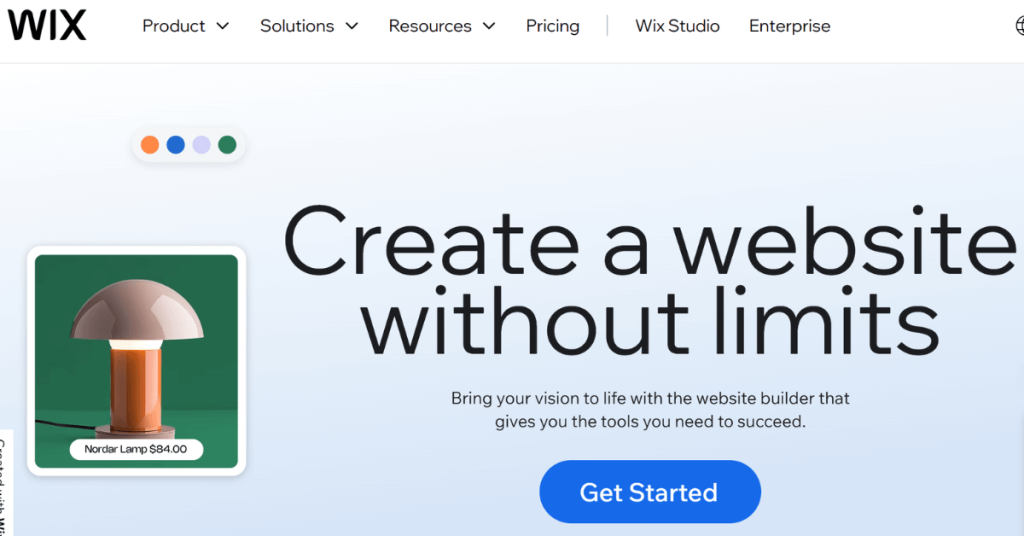
- Wix: Perfect for beginners, offering an intuitive drag-and-drop builder that makes website creation effortless. With hundreds of customizable templates, built-in SEO tools, and an App Market for added functionality, Wix is great for small businesses, freelancers, and personal projects. While it’s beginner-friendly, customization options may feel limited compared to more advanced platforms.
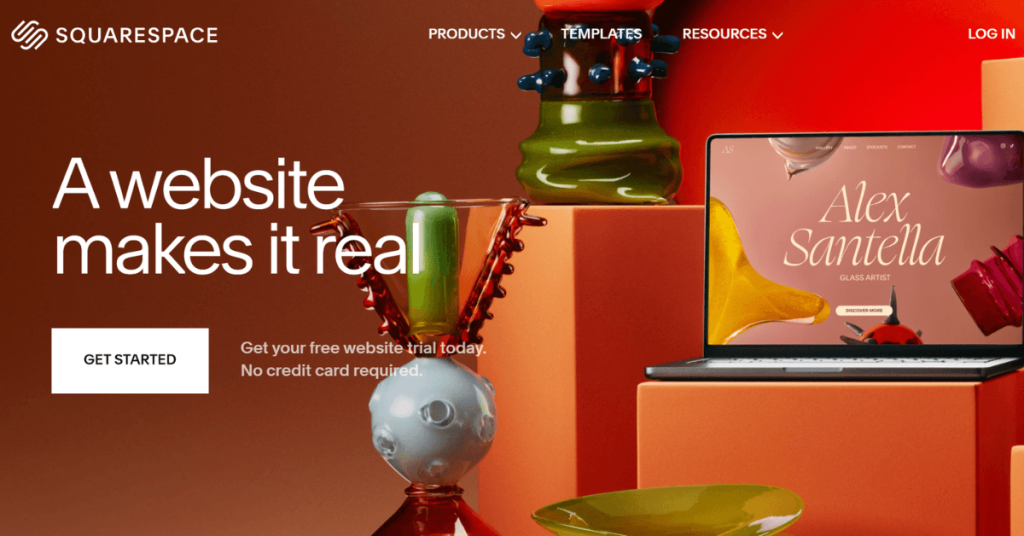
- Squarespace: Ideal for sleek, modern designs and creatives, Squarespace is known for its visually stunning templates, making it a top choice for photographers, artists, and designers. It offers built-in blogging tools, e-commerce features, and mobile responsiveness, ensuring your website looks polished and professional. However, it may have a steeper learning curve compared to Wix.
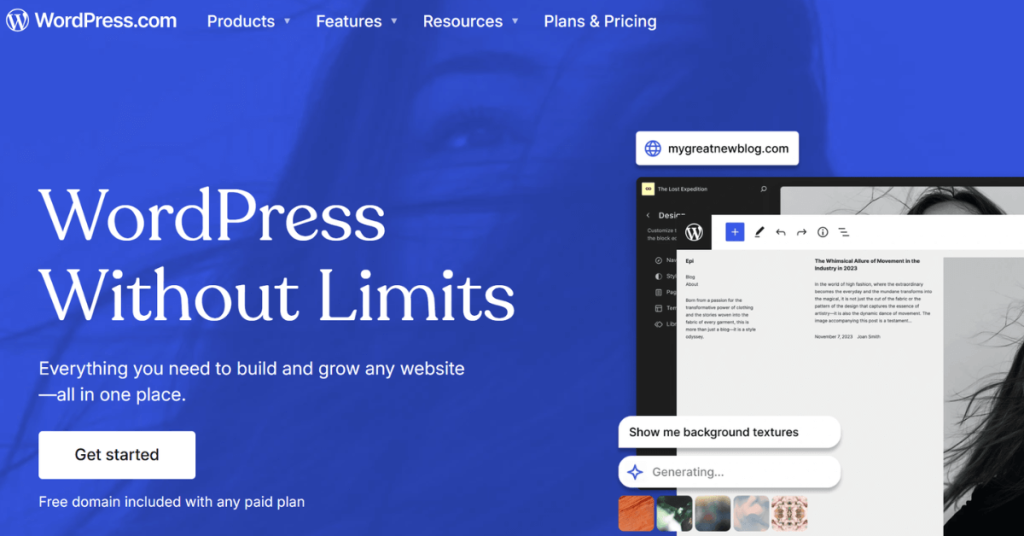
- WordPress: Offers more flexibility and scalability for larger projects, making it the preferred choice for businesses, bloggers, and developers. With thousands of themes, plugins, and customization options, you can create anything from a simple blog to a complex online store. However, WordPress requires some technical knowledge, especially when self-hosted on WordPress.org.
- Shopify: A go-to platform for building e-commerce websites, Shopify is designed specifically for online stores, offering powerful sales tools, payment gateways, and inventory management. It’s easy to set up, integrates with various third-party apps, and supports multi-channel selling (social media, marketplaces, and physical stores). While great for e-commerce, Shopify isn’t the best option for non-retail websites.

Each platform has its strengths, so choose one that aligns with your website’s purpose and your skill level.
3. Select a Professional Template
Templates act as the foundation for your website. Most website builders offer pre-designed templates that cater to different industries and styles.
When choosing a template:
- Pick a design that aligns with your brand.
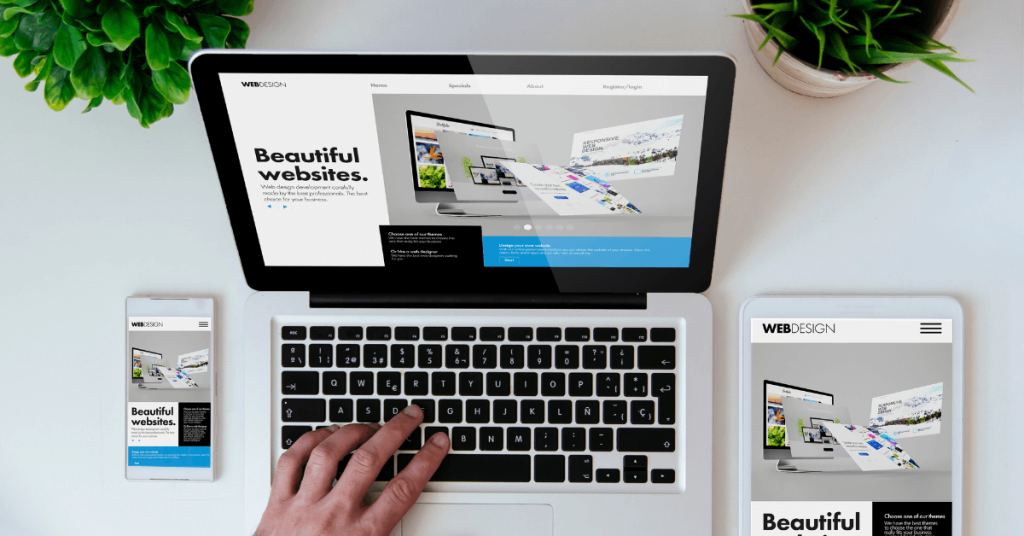
- Ensure it is mobile-friendly, as over 50% of web traffic comes from mobile devices.
- Look for options with customizable features, so you can personalize it to fit your needs.
Example: If you’re creating a photography portfolio, opt for a visually focused template that highlights images with minimal distractions.
4. Focus on User Experience (UX)
User experience determines how visitors interact with your site. A well-designed website is easy to navigate, visually pleasing, and quick to load. Here’s how to optimize UX:
- Use clear navigation menus.
- Limit the number of pages to essential ones like Home, About, Services, and Contact.
- Ensure calls to action (CTAs) are prominent and compelling.

Pro Tip: Use heatmap tools like Hotjar to understand how users interact with your site and make improvements accordingly.
5. Customize Your Content
Great content is the backbone of any successful website. Your website’s text, images, and videos should reflect your brand’s voice and appeal to your target audience.
- Headlines: Make them clear and engaging. For example, instead of “Welcome,” use “Helping Small Businesses Thrive Online.”
- Images: Use high-quality visuals and avoid stock photos that look generic.
- Videos: Short explainer videos can increase engagement.
SEO Tip: Optimize content with keywords relevant to your niche. For example, if you’re a freelance graphic designer, include phrases like “custom logo design” or “professional branding services.”
Read what is SEO and why it’s important?
6. Optimize for Search Engines (SEO)
Even the best-designed website won’t perform well if people can’t find it. Search engine optimization ensures your site ranks higher in search results. Here’s what to do:
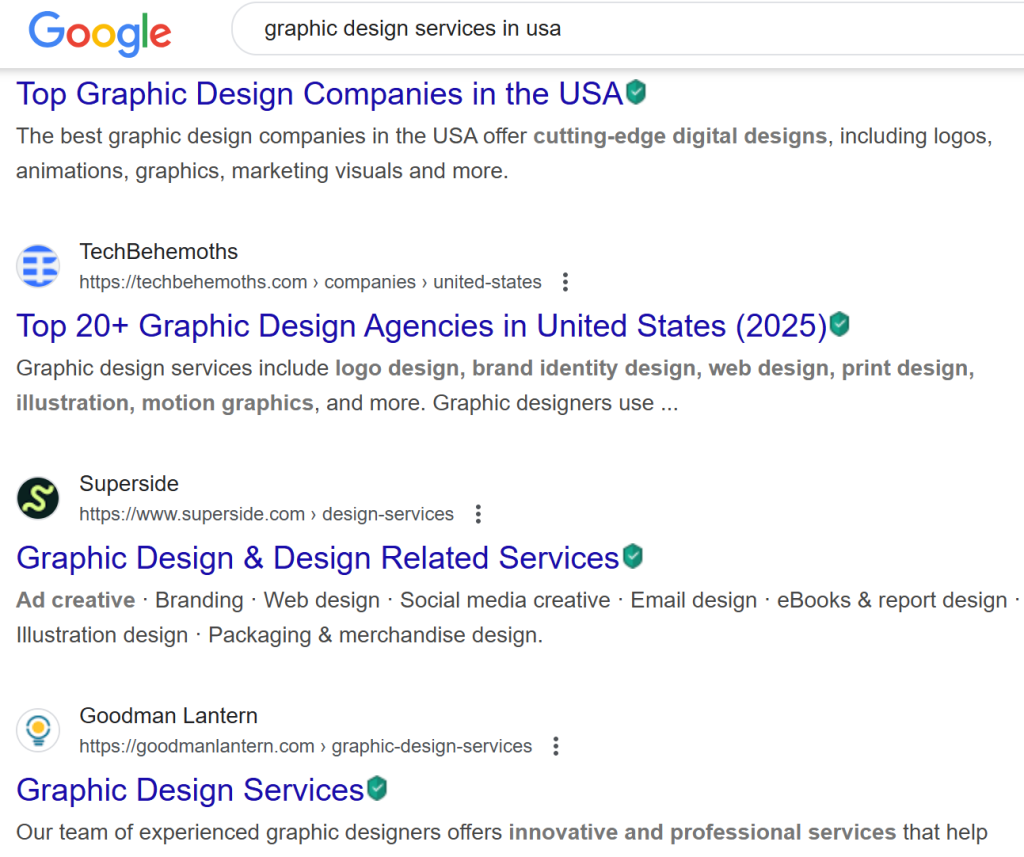
- Use descriptive titles and meta descriptions for every page.
- Optimize images by compressing file sizes and adding alt text.
- Include relevant internal and external links.
7. Add Essential Features
Depending on your website’s purpose, consider adding these features:
- Contact Forms: Make it easy for visitors to reach you.
- Social Media Links: Connect visitors to your profiles for more engagement.
- Blog: Share valuable insights and updates to keep your audience engaged.
- E-commerce Tools: Platforms like Shopify make setting up an online store simple.
8. Test and Launch Your Website
Before launching your website, test it thoroughly, it is important to test your website with your ideal target audiences so as to make sure you are solving their problems. Check for:
- Broken links or missing pages.
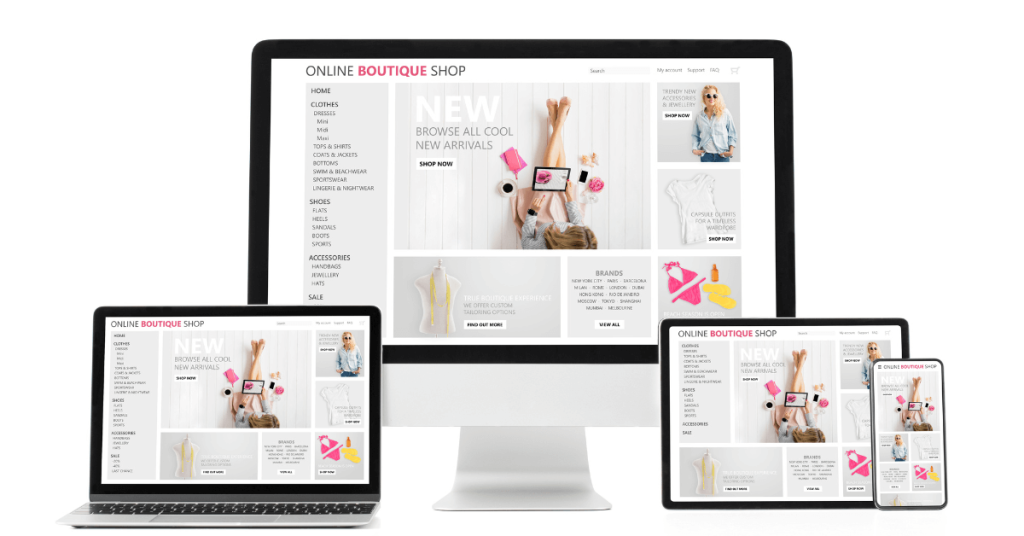
- Mobile responsiveness across different devices.
- Page load speeds (use tools like Google PageSpeed Insights).
- Grammar and spelling errors in your content.
Once you’re satisfied, hit publish and share your site with the world!
9. Continuously Update Your Website
A website isn’t a one-and-done project. Regular updates keep it fresh and relevant. Here’s what to monitor:
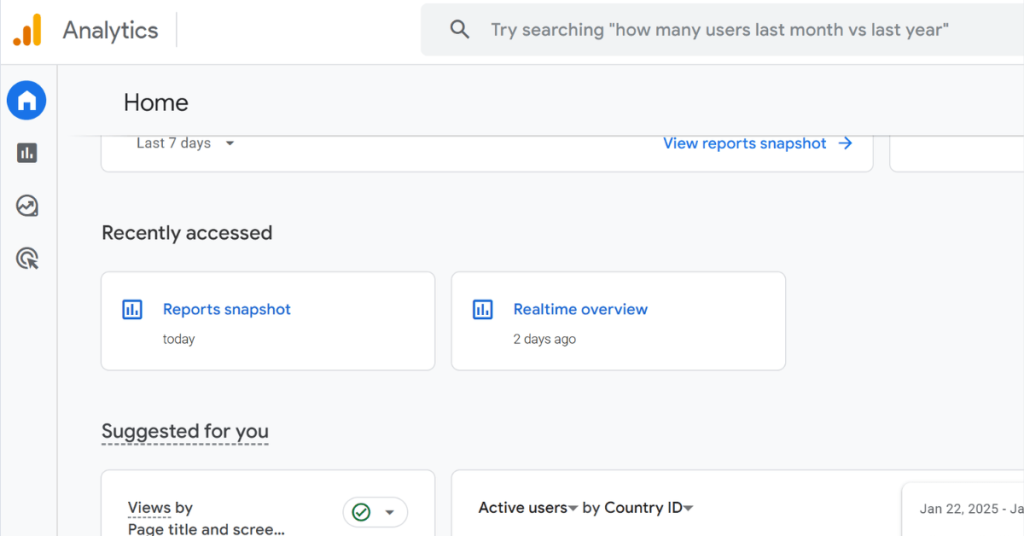
- Analytics: Use tools like Google Analytics to track performance.
- Content: Refresh outdated information and add new blog posts.
- Design: Update templates or add new features as your needs evolve.
Building a website without coding skills has never been easier. With the right tools and a strategic approach, you can create a professional, engaging website that meets your goals and resonates with your audience. Remember to focus on user experience, optimize for SEO, and keep your content fresh.
By following these steps, you’ll transform your vision into a reality, proving that coding knowledge is no longer a barrier to great web design.
Read more about creating websites that turn visitors into customers.